To check which game code version is currently installed:
- Enter the Service Menu.
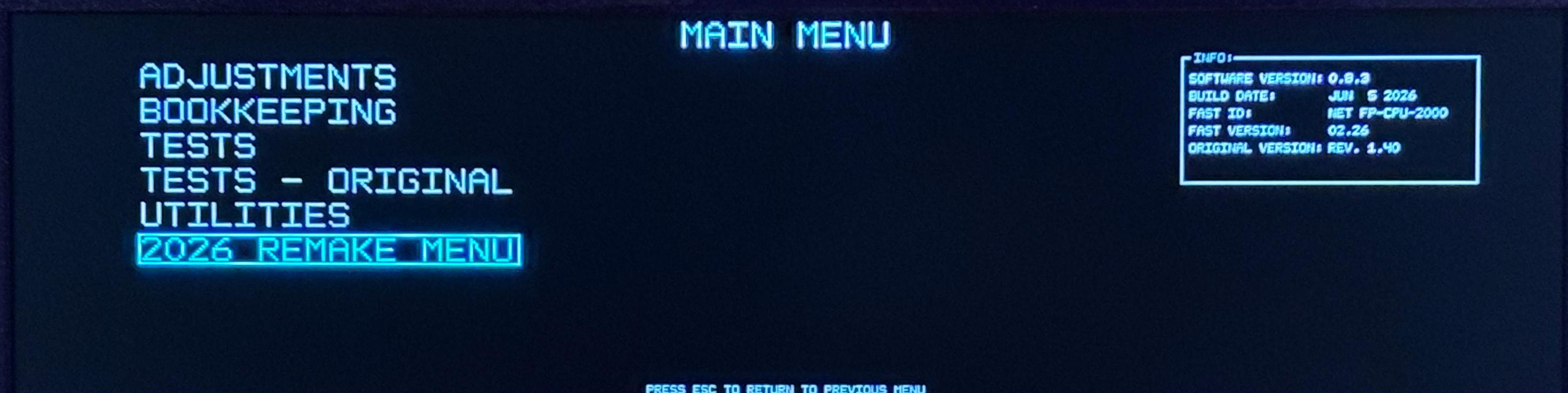
- Go to 2026 REMAKE MENU → NETWORK.
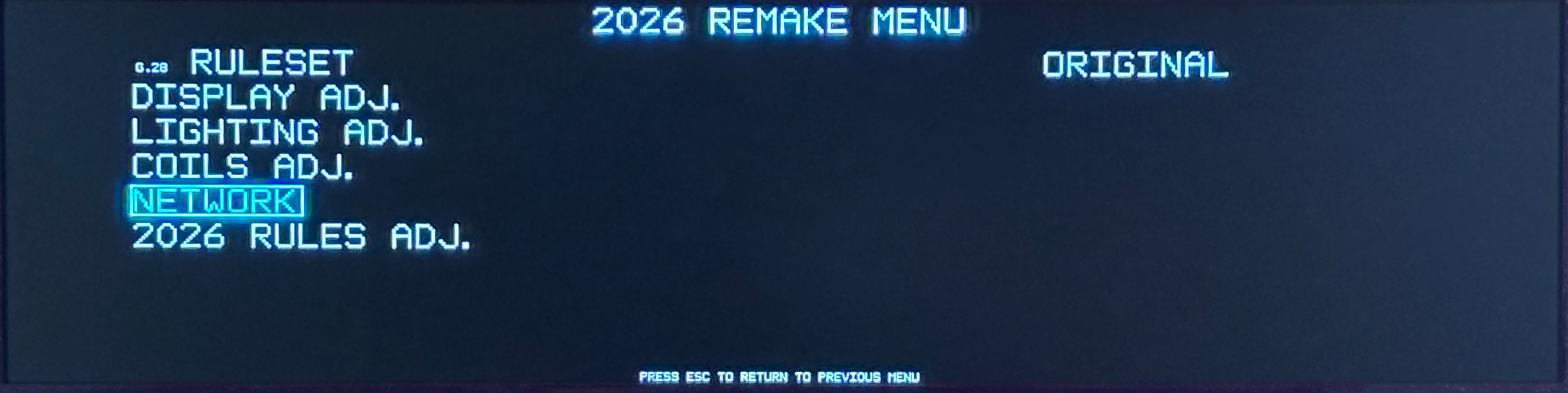
- Select ONLINE UPDATE.
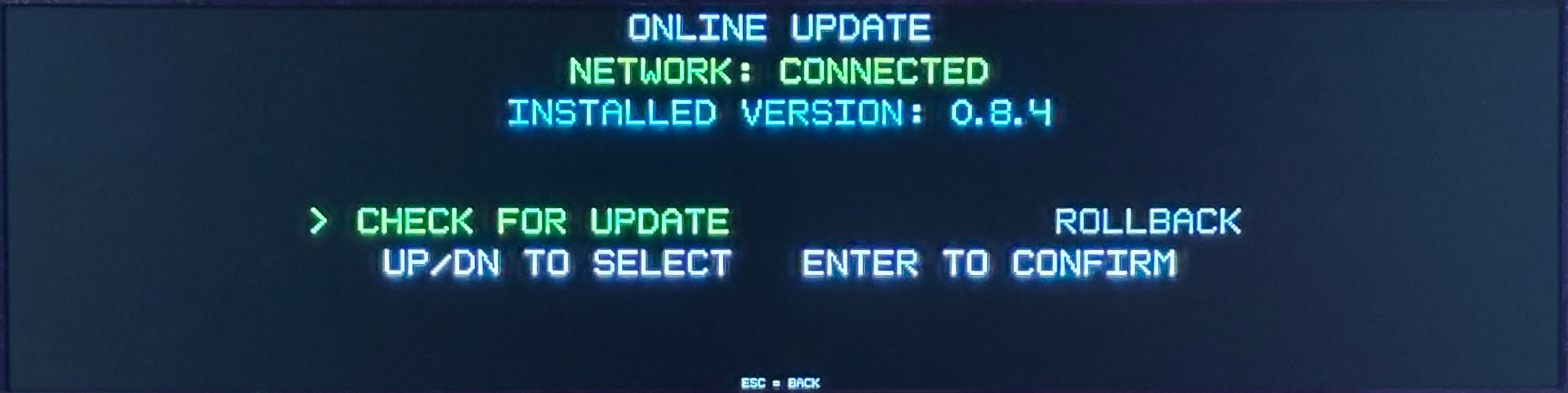
- Look for:
INSTALLED VERSION: X.X.X
The version number displayed is the game code currently installed on your game.
For example, if the screen shows:
INSTALLED VERSION: 0.9.6
your game is currently running game code 0.9.6.
You do not need to run CHECK FOR UPDATE simply to verify the installed game code.
Was this article helpful?
That’s Great!
Thank you for your feedback
Sorry! We couldn't be helpful
Thank you for your feedback
Feedback sent
We appreciate your effort and will try to fix the article